Notifications that don't repeat
A few fake apps generate their own content on the fly, so you're not watching the same canned popup loop forever.
It unlocks. It buzzes. It pulls down quick settings like a real phone. Under the hood it's just a canvas element, built over a few days with an AI coding assistant.
Next.js / TypeScript / p5.js
Start here: tap the fingerprint to unlock.
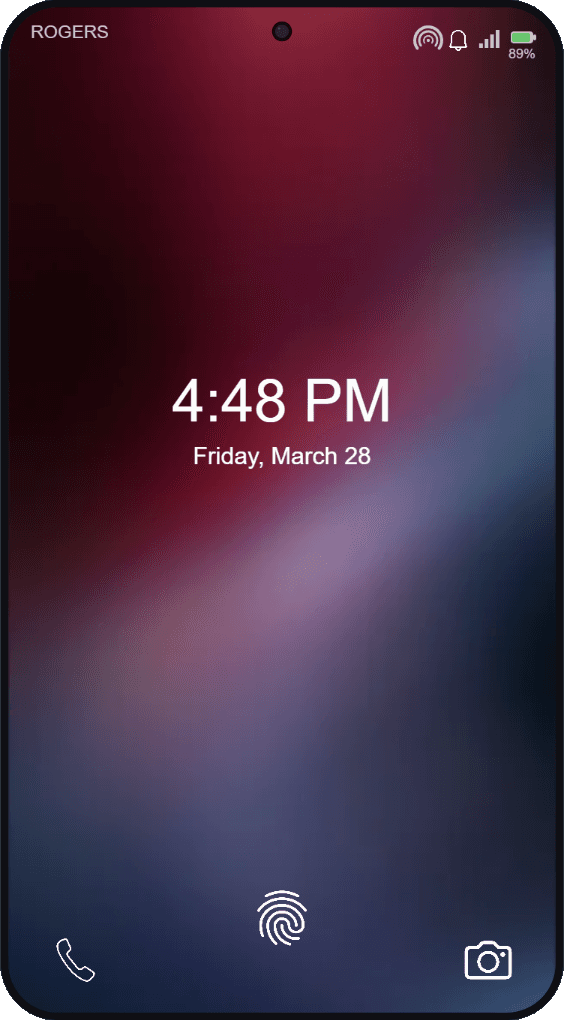
Tap the fingerprint. It's not real, but it thinks it is.
Quick settings. Toggle brightness, volume, connectivity, and none of it touches your actual phone.
The camera and the passcode screen are hiding something dumb. Go find it.
The lock screen is the front door. Nobody asked what was behind it, and I built it anyway.
A few fake apps generate their own content on the fly, so you're not watching the same canned popup loop forever.
Swipe, drag, dismiss, unlock, scroll, pull down quick settings. The stuff you do on a phone without thinking about it.
Lock screen → app grid → notifications, settings, camera. Small, but it's a flow, not one static image pretending to be interactive.
Sound, brightness, volume, and haptics (where your device supports it) shift depending on what you're doing with it.
A hidden passcode and some camera weirdness, if you go looking for them.
Keyboard input and live-region announcements too, not just pointer and touch.
The phone itself is one p5.js canvas dropped into a Next.js page. React handles the page around it; a set of TypeScript modules handle everything on screen: drawing, gestures, audio, notifications, cleanup. None of it is as tidy as this diagram makes it look.
01
p5.js draws the whole phone onto one canvas, so nothing's fighting DOM layout: it's all just pixels on a shared coordinate system.
02
A handful of TypeScript modules keep track of what's happening: lock state, the fake OS, notifications, camera, passcode, control center.
03
Mouse, touch, drag, swipe, and keyboard all funnel through one input layer, which mostly succeeds at not hijacking your page scroll.
04
p5 only loads client-side, assets preload up front, and the canvas stops drawing the second the phone's off-screen.
Drawing a phone is the easy 20%. The rest was getting animation, generated notifications, gesture state, and audio to all agree with each other in real time, instead of turning the canvas into a tangle of one-off hacks.
This started as a quick test of how far an AI coding assistant could get on something fiddly and stateful. It's a project, not a product, and it looks like it: no tests, some rough edges in the state modules, and code I'm not ready to put in front of anyone yet. It was a fun few days.
If a fake phone got this much attention, imagine what happens on an actual project. I like front-end work where the interaction is the hard part: gestures, animation, state that has to feel instant. If that's what you're building, let's talk.